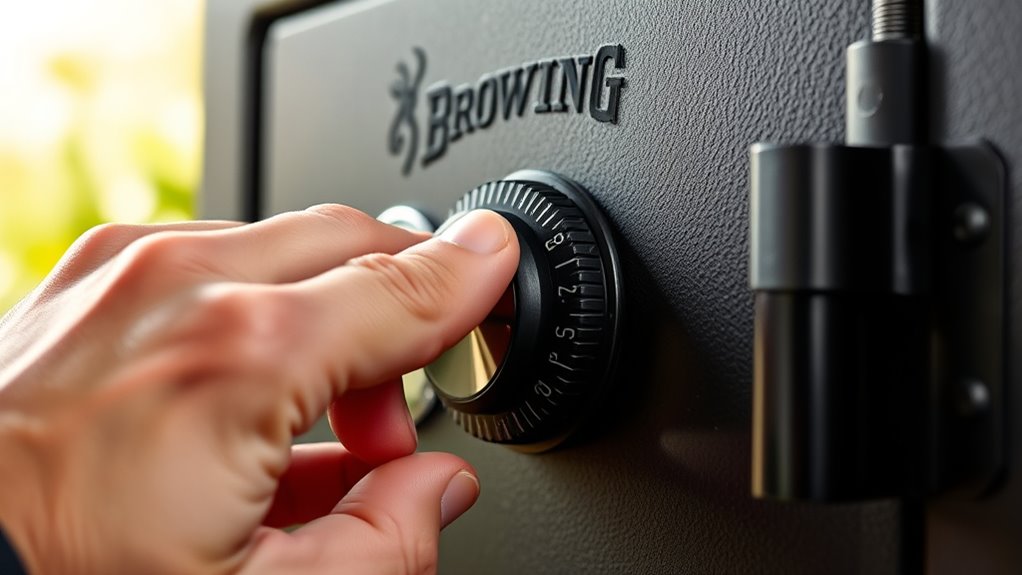
How to Open a Browning Gun Safe in 7 Easy Steps
To open your Browning gun safe securely and efficiently, follow these 7 easy steps designed for various lock types. Whether your safe features a dial, keypad, or biometric lock, understanding the correct method is essential for quick access.
This guide will help you navigate each step with confidence and ensure your valuables remain protected.
First, identify the lock type—dial, keypad, or biometric. Next, gather your combination or find the override key.
Enter the combination carefully, following proper turning sequences.
If you forget the code, use the override key to access and reset it.
Troubleshoot any lock issues, then open the door gently without forcing it.
Finally, secure the safe properly to protect your valuables.
Keep going to uncover more helpful tips and details.
Key Takeaways
- Identify the lock type (mechanical dial, electronic keypad, or biometric) by inspecting the safe’s front panel.
- Enter the combination by carefully following the dial or keypad instructions specific to your lock model.
- Use the override key if available by inserting and turning it gently to manually open the safe.
- Ensure the safe door is fully closed and bolts are properly engaged before locking.
- Regularly maintain the lock by changing codes and securely storing keys to ensure ongoing access and security.
Identify Your Browning Safe’s Lock Type
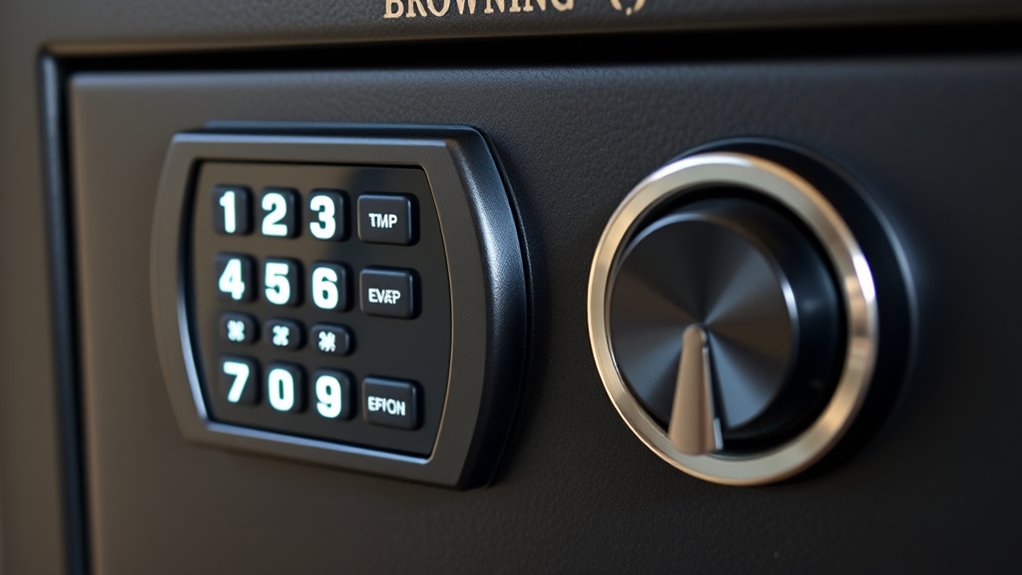
Before you try to open your Browning gun safe, you’ll need to figure out what kind of lock it has. Browning safes typically come with three main lock types: mechanical dial locks, electronic keypad locks, and biometric locks. Mechanical dial locks have a rotating dial you’ll need to turn to specific numbers in a sequence.
Electronic keypad locks require entering a numeric code on a keypad, often with a backup key option. Biometric locks use fingerprint recognition for access, offering a faster way to open your safe without a code or key.
To identify your lock type, check the front panel. If you see a dial, it’s mechanical. A keypad means it’s electronic, and a small scanner usually indicates a biometric lock.
Knowing the lock type helps you understand how to proceed with opening your safe or troubleshooting any issues. Don’t confuse the lock with the override keyhole, which may be hidden or located elsewhere on the safe.
Gather and Verify Your Browning Safe’s Combination or Override Key
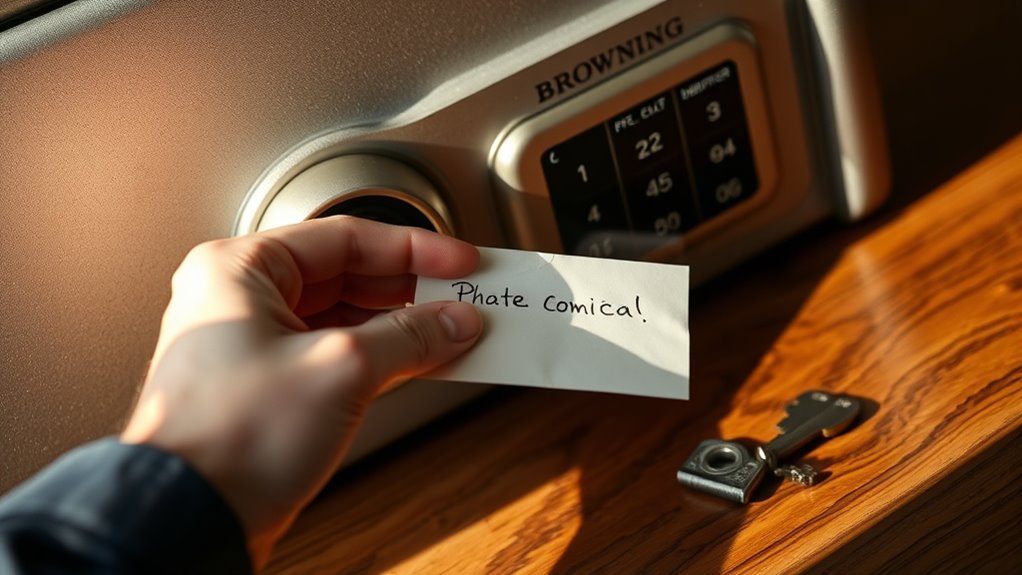
Before you try opening your Browning safe, make sure you have your combination code handy.
If you don’t have the code, locate the override key as a backup option.
Verifying these access methods will save you time and frustration.
Locate Your Combination Code
How do you find the combination code for your Browning gun safe? First, check the original paperwork or user manual that came with the safe—manufacturers often include the combination there.
If you don’t have the manual, look for a sticker or label inside the door or on the back panel; sometimes the code is recorded there. If the safe was bought used, ask the previous owner for the combination.
You can also try contacting Browning’s customer service with your safe’s serial number handy—they may verify your ownership and provide the code. Be sure to keep the combination confidential and store it in a secure place.
Avoid guessing or forcing the lock, as that can cause damage and complicate opening the safe.
Find The Override Key
Although you may have your combination code, it’s important to locate the override key as a backup in case the electronic lock fails or you forget the combination. The override key is typically provided when you purchase your Browning gun safe and is essential for emergency access.
Check the safe’s manual or packaging for the key’s location, often stored in a small envelope or compartment. If you can’t find it, contact Browning customer service with your safe’s serial number to request a replacement.
Once you find the override key, verify it fits and turns smoothly in the lock. Keep it in a secure but easily accessible place separate from the safe itself, so you’re prepared for any situation that prevents the combination lock from working.
Enter the Combination Correctly to Unlock Your Browning Safe
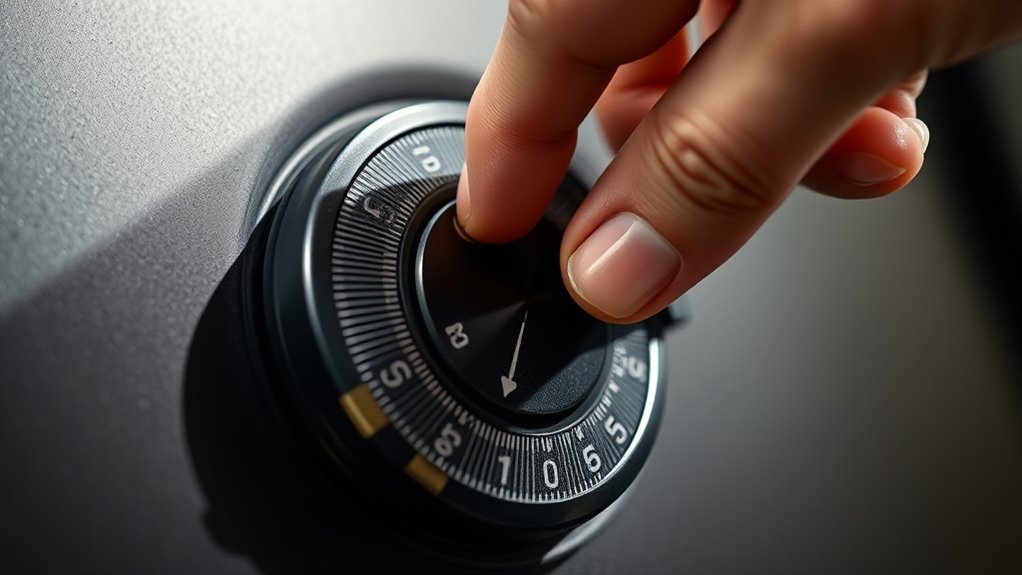
Wondering why your Browning safe won’t open even when you think you’ve entered the combination correctly? The key is to enter the combination precisely as required. Start by turning the dial to the right several full rotations to clear it.
Then, stop exactly on the first number of your combination. Next, turn the dial left, passing the first number once, and stop on the second number. Finally, turn the dial right again directly to the third number.
Make sure you stop exactly on each number without overshooting. If you miss a step or dial incorrectly, the safe won’t release. Also, avoid rushing—take your time to align the numbers perfectly.
If your safe has a digital keypad, enter the code carefully and listen for the confirmation beep or click. By entering your combination accurately and patiently, you’ll successfully open your Browning gun safe without frustration.
Use the Override Key When You Forget Your Browning Safe Combination
If you forget your Browning safe combination, you can use the override key to open it. First, locate the override key, which is usually stored separately for security reasons.
Then, insert the key properly into the override lock to open your safe quickly and safely.
Locating The Override Key
When you forget your Browning safe combination, the override key becomes your best option to regain access quickly. To locate it, start by checking the original packaging or documentation that came with your safe, as the key is often stored there.
If you don’t find it, look near the keypad or behind a removable panel on the safe itself—many Browning models have a hidden compartment designed for the override key. You might also want to check any small cases or envelopes you received when purchasing the safe.
If all else fails, contact Browning customer service with your safe’s serial number; they can guide you on obtaining a replacement key or provide additional instructions. Keep your override key secure and separate from the safe to avoid losing both access methods.
Using The Key Properly
Once you’ve located your Browning safe’s override key, knowing how to use it correctly is the next step to regaining access without hassle. First, insert the key into the override lock, usually found near the keypad or handle. Turn it gently clockwise until you hear a click.
This action temporarily disables the electronic lock, allowing you to open the safe manually. Avoid forcing the key to prevent damage. After opening, reset your combination promptly to secure your safe.
| Step | Action | Tip |
|---|---|---|
| 1 | Insert key into override lock | Ensure key fits properly |
| 2 | Turn key clockwise | Turn gently, don’t force it |
| 3 | Listen for the unlocking click | Confirms override is active |
| 4 | Open safe and reset code | Maintain security after use |
Troubleshoot Lock Issues and Reset Your Browning Safe
Although Browning safes are designed for reliability, you may occasionally encounter lock issues that prevent you from opening it. First, check the batteries if you have an electronic lock; weak or dead batteries often cause unresponsiveness. Replace them with fresh ones and try again.
If the keypad is sticky or unresponsive, clean it gently with a soft, damp cloth. For mechanical locks, ensure the dial turns smoothly without obstruction. If the lock is still problematic, you might need to reset the safe.
Locate the reset button inside the door panel—this usually requires the safe to be open, so use your override key if necessary. Press and hold the reset button until you hear a beep, then enter a new code following the manufacturer’s instructions. If resetting doesn’t work or you’ve lost your override key, contact Browning customer support for guidance.
Avoid forcing the lock, as this can cause damage.
Open Your Browning Safe Door Safely Without Damage
Before you try to open your Browning safe door, make sure you’ve entered the correct code or used the override key properly to avoid any damage. When you’re confident the input is right, gently turn the handle without forcing it. Forcing the handle can harm the internal locking mechanism or bend the door.
If the door doesn’t open immediately, double-check your code or key position rather than applying excessive pressure. Always keep your hands dry to avoid slipping, and inspect the door hinges for any signs of rust or obstruction before opening.
| Emotion | Action to Take | Outcome |
|---|---|---|
| Relief | Enter correct code/key | Door opens smoothly |
| Frustration | Don’t force the handle | Avoid internal damage |
| Confidence | Confirm code/key usage | Safe opens reliably |
| Caution | Check for obstructions | Prevent door jamming |
| Satisfaction | Open door gently | Preserve safe’s lifespan |
Secure Your Browning Gun Safe After Access
After retrieving your firearms or valuables, you’ll want to make sure the Browning gun safe is securely locked again to maintain its protection. First, close the safe door firmly, guaranteeing nothing obstructs the seal. Then, engage the locking mechanism by turning the handle or dial as per your model’s instructions.
Always firmly close your Browning gun safe and engage the locking mechanism according to your model’s instructions.
If your safe has an electronic keypad, enter your code carefully and listen for the confirmation beep. Double-check that the bolts have fully extended by gently pulling on the door. It’s important not to rush this step—an improperly locked safe defeats its purpose.
Also, remember to scramble your combination or lock code to prevent anyone from guessing it. Finally, keep your keys or override tools in a separate, secure location. By following these steps, you’ll ensure your Browning gun safe remains a reliable barrier against unauthorized access.
This simple habit protects your valuables and gives you peace of mind.
Frequently Asked Questions
How Do I Maintain My Browning Gun Safe for Long-Term Use?
You should regularly clean the interior, lubricate the locking mechanism, check the battery if electronic, and guarantee seals stay intact.
Keep it in a dry place to prevent rust and inspect for any damage or wear frequently.
Can I Install Additional Security Features on My Browning Safe?
You can definitely install additional security features on your Browning safe. In fact, 68% of gun owners enhance their safes with alarms or biometric locks, boosting protection and giving you greater peace of mind.
What Should I Do if My Browning Safe Is Damaged in a Fire?
If your Browning safe is damaged in a fire, you should first assess the damage carefully. Then, contact Browning customer service for guidance on repair or replacement options, and consider consulting a professional locksmith for safe access.
This approach ensures you handle the situation safely and effectively. Always prioritize safety when dealing with fire-damaged equipment.
Are Browning Gun Safes Waterproof or Resistant?
Like a turtle’s shell, Browning gun safes are resistant rather than fully waterproof. You can trust them to protect against moisture and splashes, but you shouldn’t submerge them or expect total water immunity during floods.
How Do I Properly Organize Firearms Inside My Browning Safe?
You’ll want to group firearms by type and size, use foam or padded racks to prevent damage, keep ammunition separate, and utilize shelves or drawers for accessories.
This keeps everything safe, accessible, and well-organized inside your Browning safe.
Conclusion
Now that you know how to open your Browning gun safe step-by-step, you’ll feel more confident managing it. For example, imagine you forgot your combination during a hunting trip—using the override key and troubleshooting tips could save the day without damaging your safe.
Just remember to secure your safe properly after access to keep your firearms protected. Following these steps guarantees your Browning safe stays both secure and accessible when you need it most. By mastering these simple techniques, you ensure your Browning gun safe provides reliable protection and easy access whenever necessary.
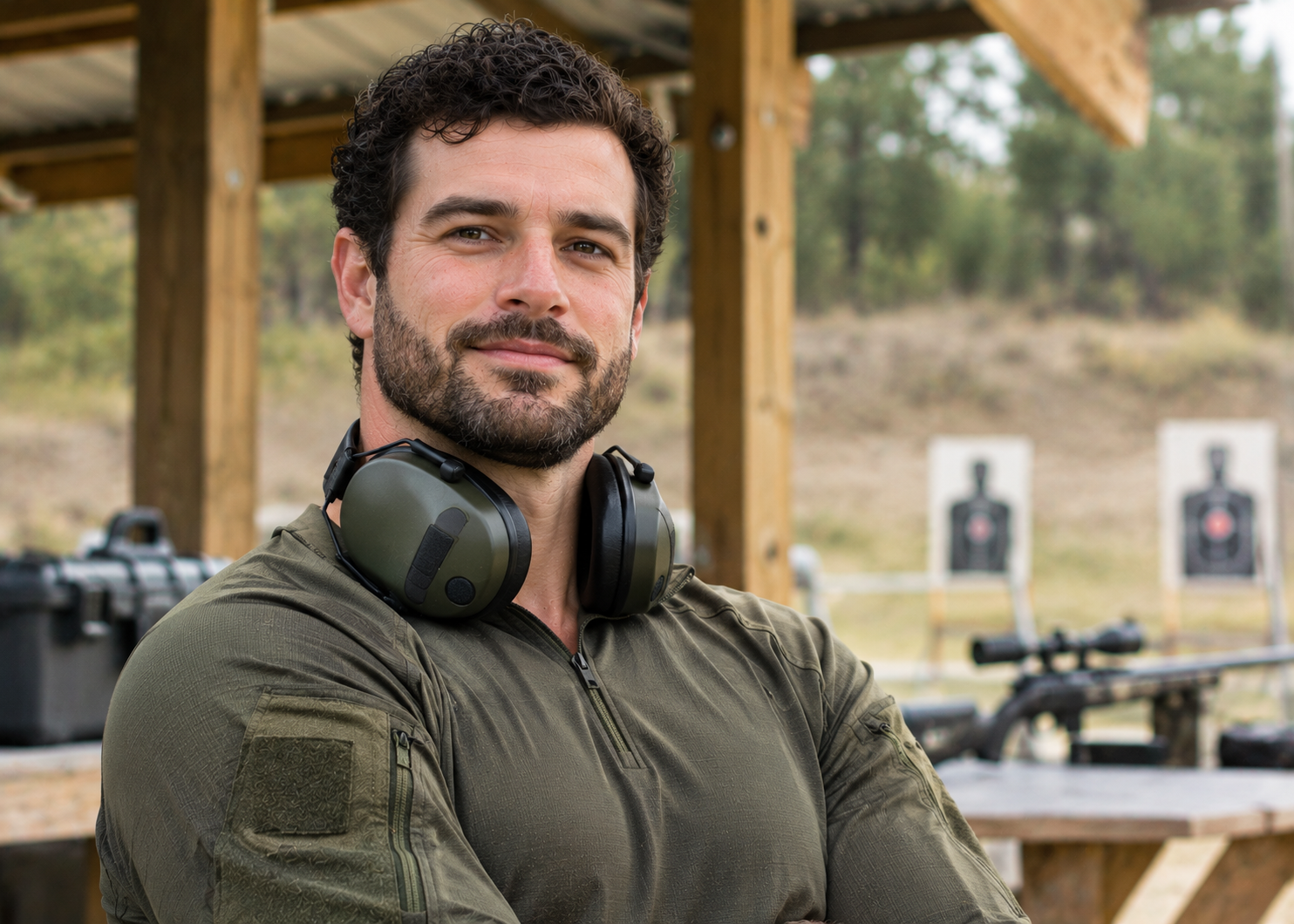
I’m Wyatt Dawson, an avid hunter who has spent years tracking game through thick timber, open fields, and rugged backcountry. I write about hunting gear, optics, calls, decoys, field dressing, and planning a successful season. I share honest advice from real time in the field so you can choose the right equipment, improve your skills, and have safer, more rewarding hunts.